My tools
Some tools I made
Next to the shaders, I make tools for avatars in Unity and Blender. I keep every one of them simple and as beginner friendly as I can, so you don't need to know how they work inside to use them. They are all free, so help yourself.
Four of them come through the VRChat Creator Companion, and two are plain downloads. If something breaks or you miss a feature, tell me on Discord (docme) or open an issue on the tool's GitHub page.
My listing tells the Creator Companion where my tools are. Press Add to VCC and it adds the listing by itself (the Creator Companion has to be installed on your computer for that).
Nothing happened? Open the listing page and press Add to VCC there, or copy the address below and add it under Settings > Packages > Add Repository.
https://docmevr.github.io/vpm/index.json Through the Creator Companion
Once the listing is in, open your avatar project with Manage Project and add the tool you want. Updates show up there too.
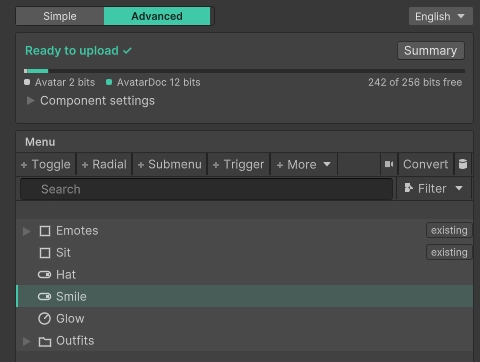
Builds your avatar's menu in one inspector: toggles, radials, submenus and triggers. Everything gets made when you upload, through NDMF, so nothing is baked into your avatar while you edit. It speaks English, Japanese and Simplified Chinese.
Add DocMe AvatarDoc in Manage Project. It needs NDMF, which lives in its author's own listing, so add the NDMF listing as well. If you use Modular Avatar, you have it already.
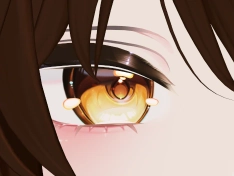
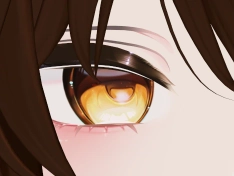
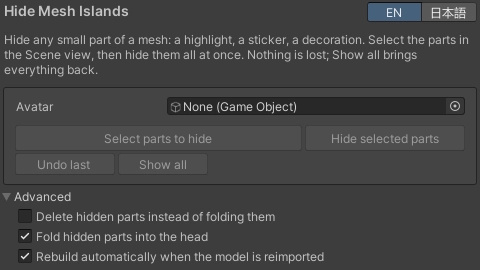
Hides small parts of an avatar's mesh, like a highlight, a sticker or a decoration you never wanted, without touching the model file. Nothing is lost, and Show all brings every part back.
Add DocMe Hide Mesh Islands in Manage Project, then open Tools > DocMe > Hide Mesh Islands in Unity.
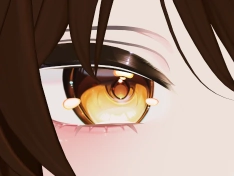
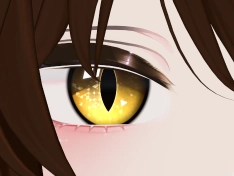
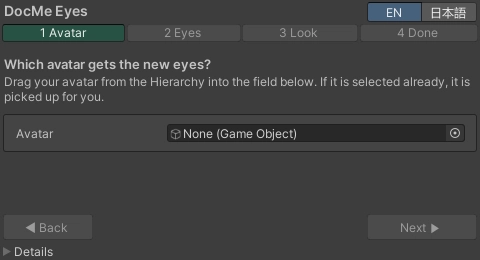
Puts parallax eye shaders onto your avatar in four guided steps. It either reshapes the avatar's own eye, so it keeps moving with every blink and expression, or builds a new eye in the socket, and the face keeps all its blendshapes either way. It finds the eyes by itself, works with any material made for a flat eye, never changes your model file, and everything it does can be taken back.
Add DocMe Eye Installer in Manage Project (Hide Mesh Islands comes along with it), then open Tools > DocMe > Eye Shader Installer.
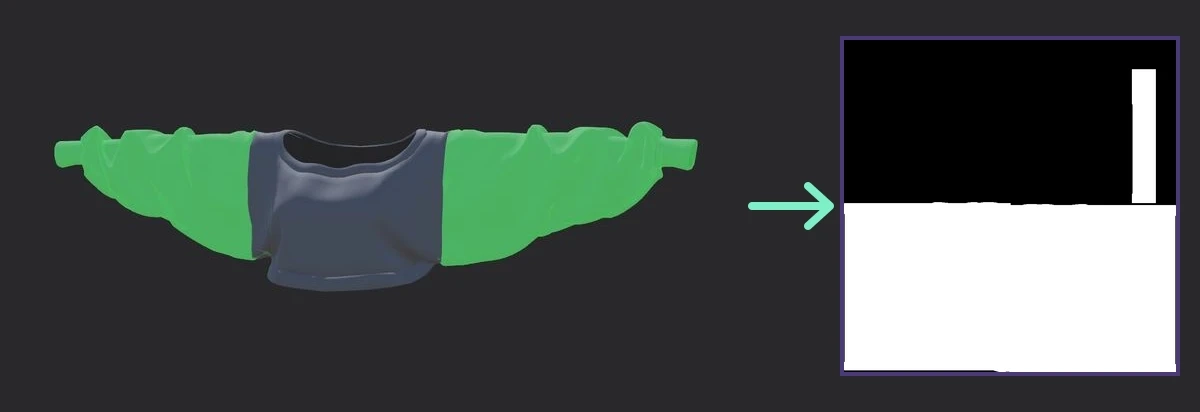
Paint masks for your avatar right on the model in Unity's Scene view. Click a piece to fill it or paint with a brush, mirrored to both sides if you like. The mask follows the mesh's UV map, so it fits any texture slot of any shader, like a Poiyomi emission or glitter mask, and one button puts it into the material. It speaks English and Japanese.
Add DocMe Mask Painter in Manage Project, then open Tools > DocMe > Mask Painter in Unity.
Straight from GitHub
These two are not on the Creator Companion. Each one is a file from its latest release.
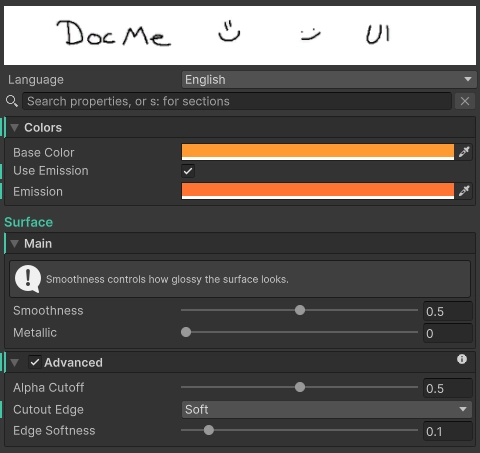
A tidy inspector for your own shaders, with no inspector code to write. A few attributes in front of the material's settings give it sections that fold away, tooltips, help boxes and settings that only show when they matter, plus a search box and a language switch.
Download the .unitypackage and import it into your Unity project.
A Blender add-on that poses a character and all of its outfits together, so you can see where clothes stretch or clip before you export. It has test poses, lets capes and tails hang with gravity, saves toggles like hood up and hood down, and checks the weights for game engines.
Download the pose_link zip. In Blender, open Edit > Preferences > Get Extensions, pick Install from Disk in the menu at the top right and choose the zip. PoseLink then waits in the sidebar of the 3D View (press N).